
Design-time Editor
When the design-time package is installed, double-clicking a TFrameStand or TFormStand on a form opens a test window where you can try the stands of its StandBook without running the application.
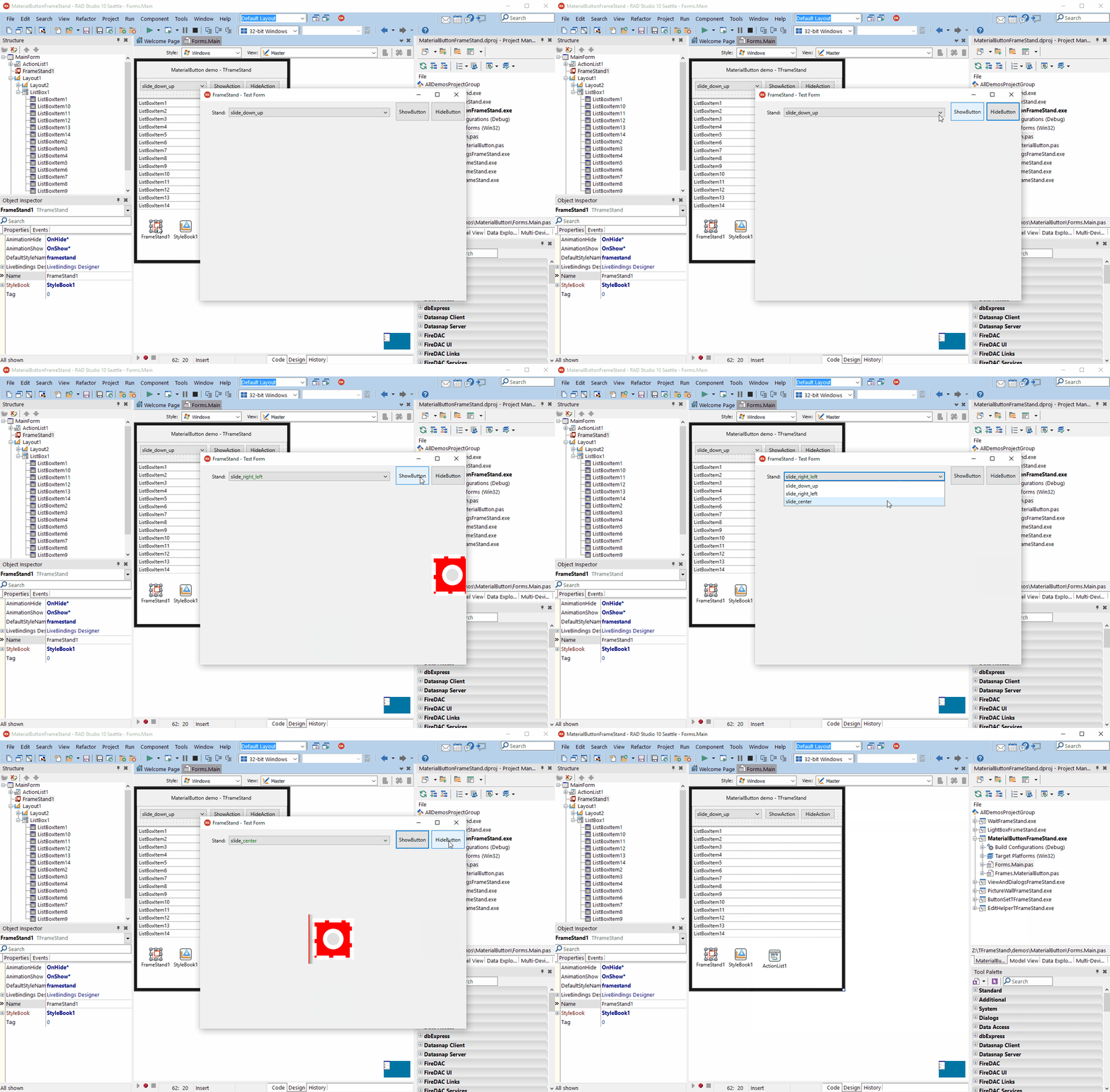
The window lists the stands found in the style book and shows a sample subject in the selected one, inside a test bed. You can:
- pick the stand to preview;
- Show and Hide the subject, with the stand's animations, and set a hide delay;
- change the alignment, width and height of the sample frame, to see how the container behaves;
- toggle the clipping of the test bed.
It is the quickest way to tune durations, interpolations and layouts of a stand: edit the style book, double-click the component, try, repeat.
The editor lives in the design-time package (dclFrameStandPackage), which also registers the two components in the TFrameStand - Andrea Magni page of the Tool Palette.