
Demos
The demos folder of the repository contains small, focused projects; most of them are in demos\AllDemosProjectGroup.groupproj. The projects already have the source folder in their search path, so they compile without installing the packages (installing them is needed only to open the forms in the designer).
TFrameStand
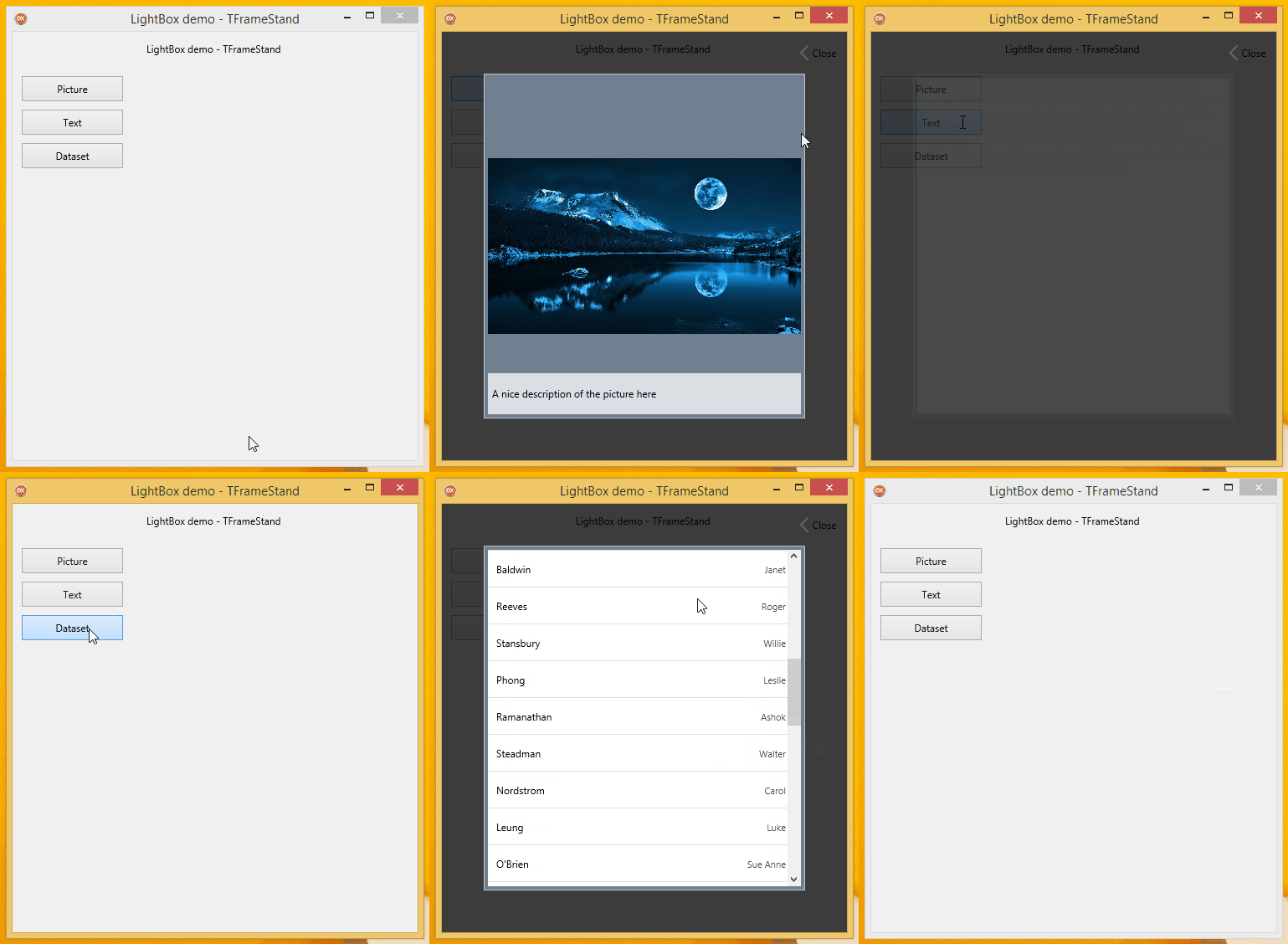
lightbox
The classic lightbox: pictures, text and data shown in a centred panel over a dimmed and blurred form, with fade-in animations. Shows the Close* Common Action and the use of OnBeforeShow/OnAfterHide to drive an effect on the form.
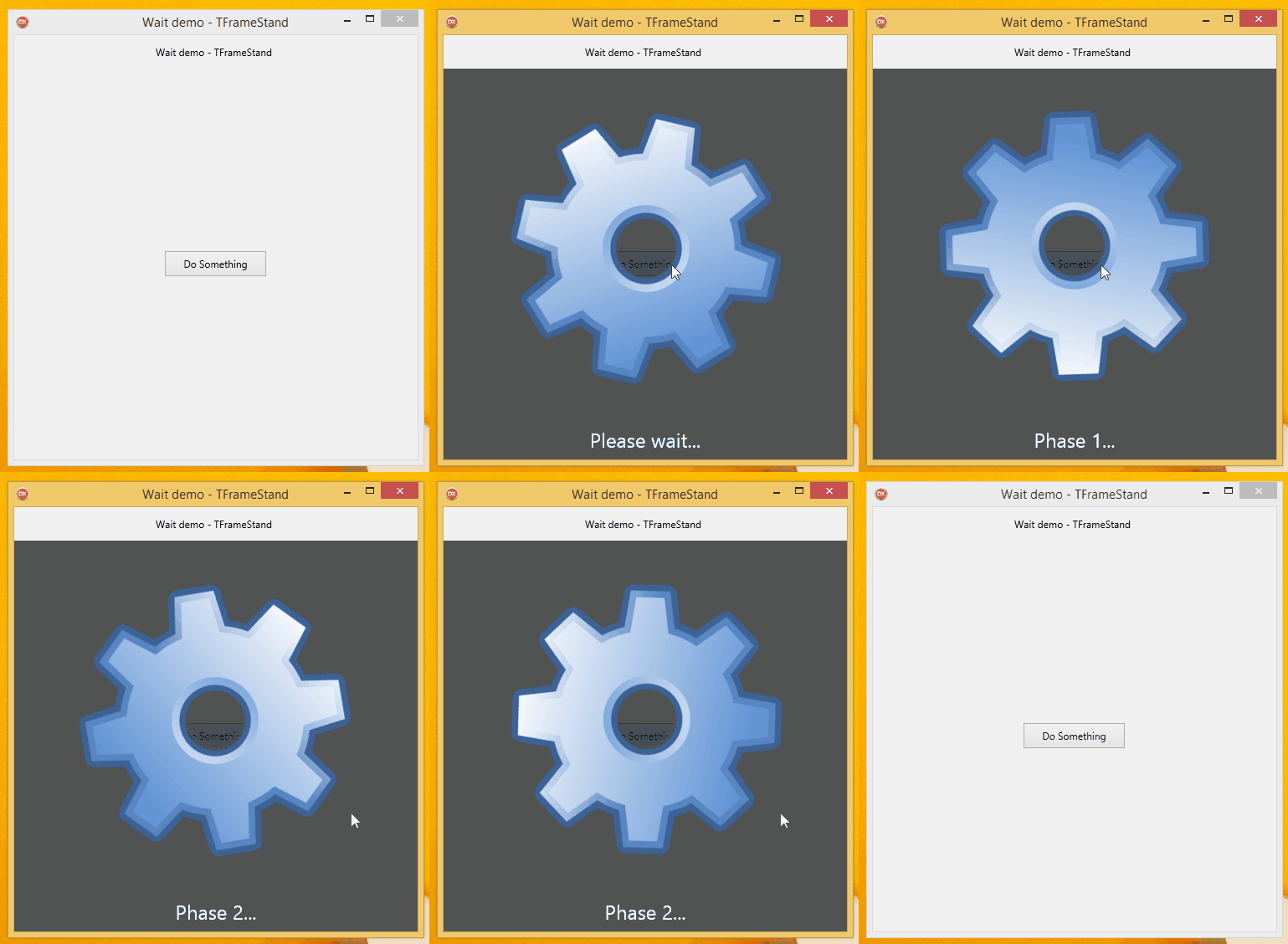
wait
A wait screen with a running animation, shown over the whole form or over a single control while a task runs in background. See Background Work.
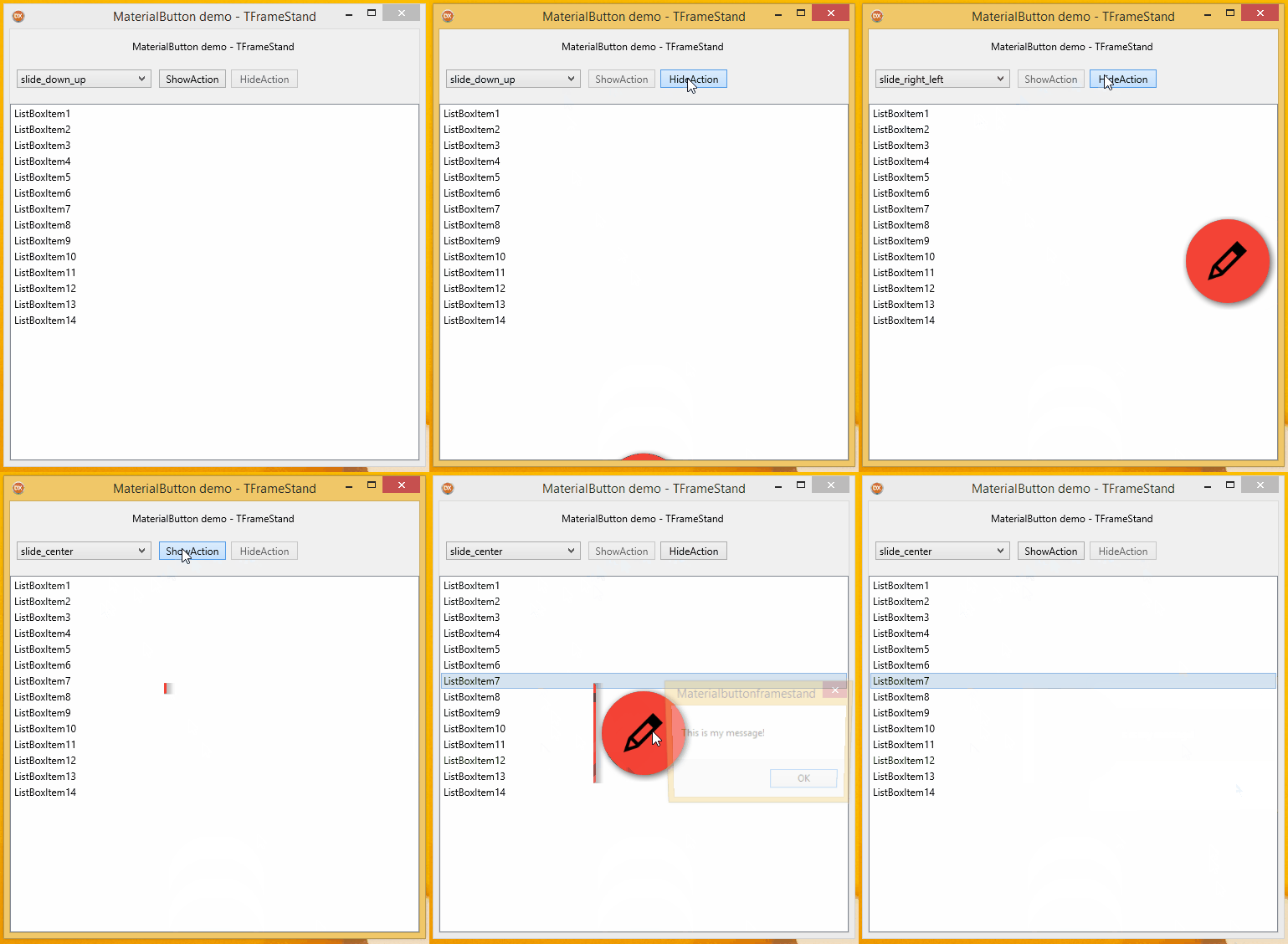
MaterialButton
A floating button that slides in over the form or over another control. The stands live in a .style file and can be switched at runtime (slide from bottom, from right, centred).
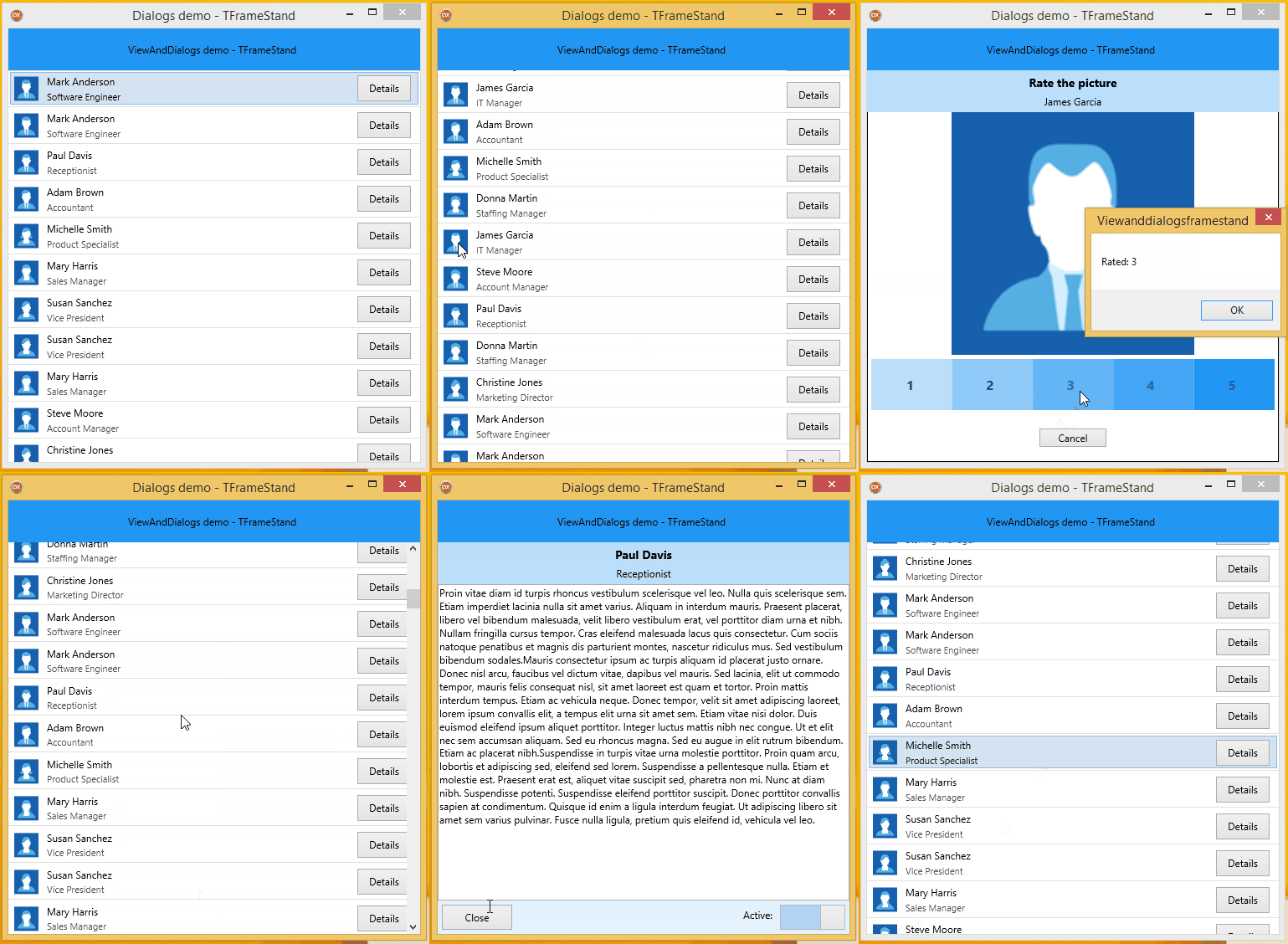
ViewAndDialogs
Material Design-like transitions to open a view (the details of an employee) and a dialog (rate a picture) from a TListView. Back and Esc hide them (CatchBackKey, BackKeyAction = baHide).
HelloWorld
The minimal example: two frames in a bluestand, a SayHello* Common Action, [FrameInfo] injection and a [BeforeShow] method. The demo of the CodeRage X session.
Gallery
The stand gallery, light and dark: a dialog with a result, a lightbox, a bottom sheet and a drawer with choices, a snackbar that goes away by itself and pages with Push/Pop. The two style files are embedded as resources.
Dialog
A colour picker shown with ShowModal: the frame sets ModalResult through its injected info, and a *_cancel Common Action, bound both to a button of the frame and to the background of the stand, cancels it, as do Back and Esc (CatchBackKey). See Dialog Results.
PictureWall
Pictures added to a TFlowLayout, each one in its own stand, fading in.
ButtonSet
A set of buttons laid over the content, like the toolbar of the Android camera app, on a TListView or on an image. Uses a [BeforeShow] method with a [Parent] parameter.
EditHelper
Buttons that decorate a TEdit (+5, −5, +10, −10), with [Parent] field injection: the frame works on whatever edit it is shown on.
BottomSheet
A bottom sheet that the user can drag up and down, built by driving elements of the stand from the form's gesture handler.
Responsive
Breakpoints and responsive substitution of the frame class: the orders view is a list on small widths, a list with details on medium ones, a grid on large ones. With ResponsiveMode = rmLive the view follows the window as it is resized, and OnResponsiveChange hands the data module to the new frame. See Responsive Frames.
Wizard\Simple
A three-step wizard built on the navigation stack: each step is pushed, a Back button and CatchBackKey pop it (what was typed is still there), and the slide animations change direction on Pop.
Stand3D
Frames shown on a TLayer3D inside 3D stands. See 3D Stands.
TFormStand
TFormStand_HelloWorld
Hello world for TFormStand, with Fire UI views: the second form has a specific view for Android phones.
TFormStand_ActionList
Actions defined on the form shown through TFormStand keep working, together with HideAndCloseAll([TSecondForm]).
TFormStand_LiveBindings
LiveBindings and a data module working inside a form shown through TFormStand, with an [AfterShow] method.