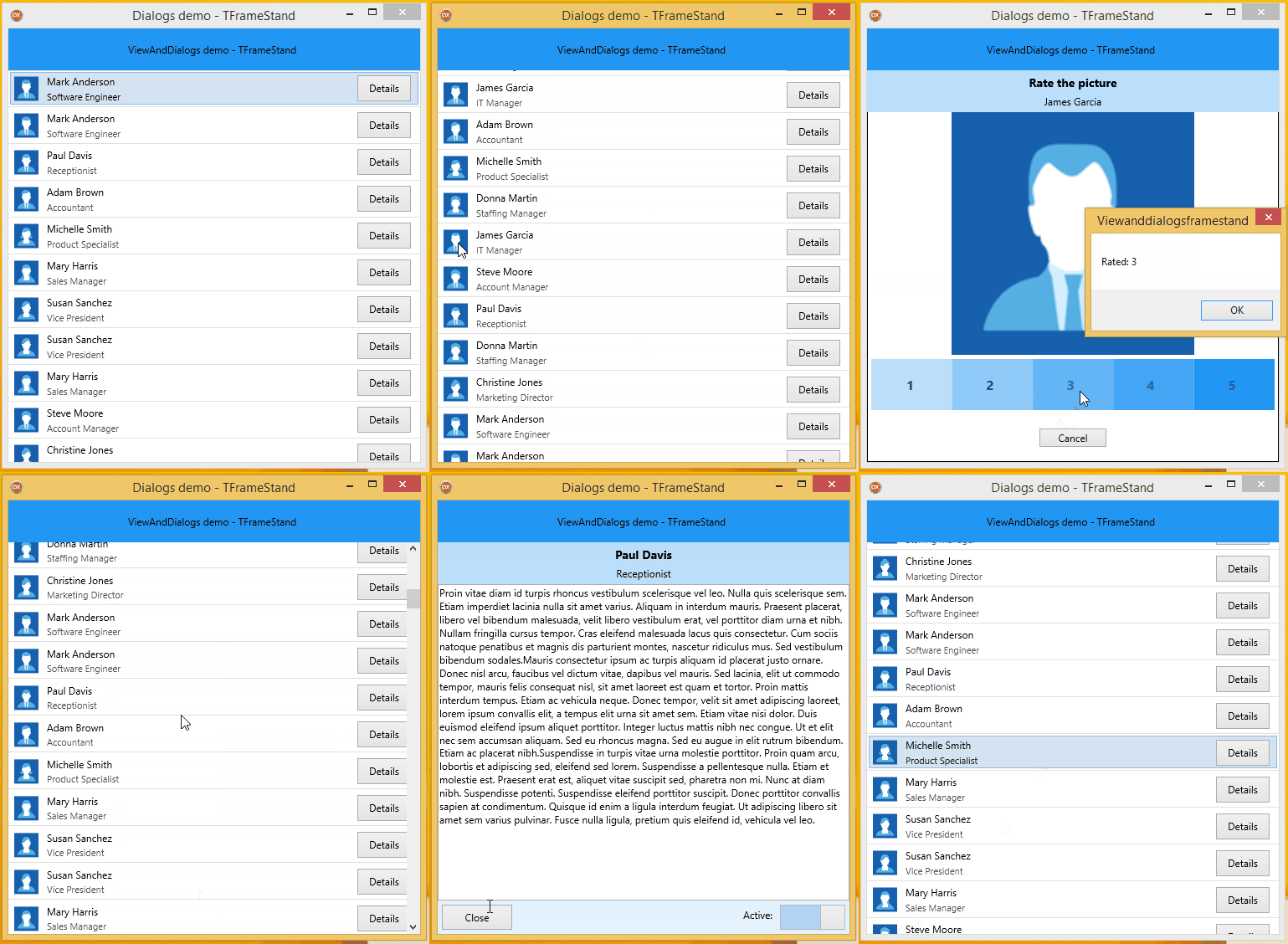
🖼️
Stands
Design the visual layer between your frame and its parent once, in a TStyleBook, and reuse it everywhere. Lightbox, dialog, bottom sheet, toast, side panel.
Designing stands
Show any TFrame or TForm in your FireMonkey app through reusable, animated stands. Consistent UI, modern transitions, almost no code.

TFrameStand and TFormStand are two non-visual components for Embarcadero Delphi FireMonkey (FMX) applications. They put a TFrame (or the content of a TForm) on screen through a stand: a visual layer, designed in a TStyleBook, that sits between the frame and its parent control and carries backgrounds, shadows, effects and animations.
uses FrameStand, SubjectStand, Frames.Details;

procedure TMainForm.ShowDetailsButtonClick(Sender: TObject);
begin
  // create a TDetailsFrame inside a 'lightbox' stand and show it,
  // running every OnShow* animation found in the stand
  FrameStand1.NewAndShow<TDetailsFrame>(nil, 'lightbox');
end;
The frame knows nothing about the stand, the stand knows nothing about the frame: you can show the same frame as a dialog on a phone and as a side panel on a desktop, or give every dialog of the application the same look with one style item.